What stands out in OCRmyPDF
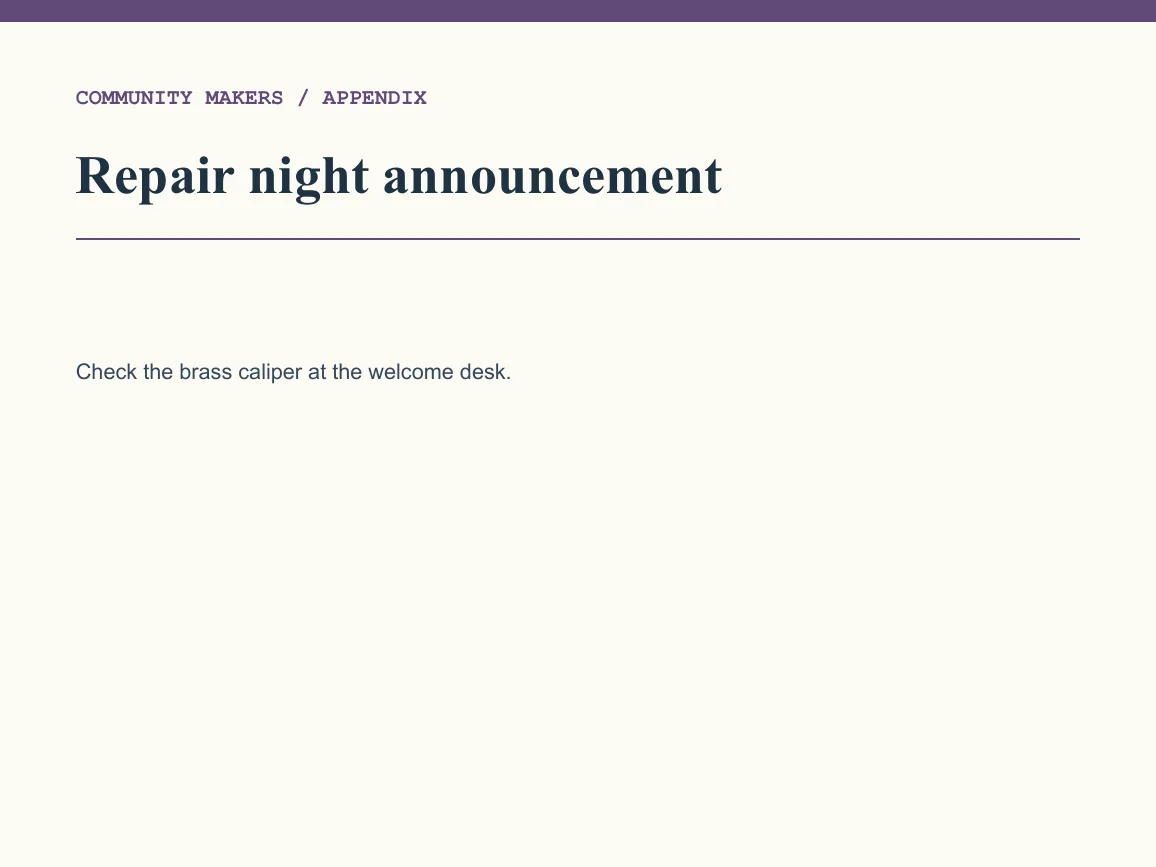
Monthly meeting packets often start with a digitally exported cover and end with scanned handouts. OCRmyPDF is useful when that same pattern returns repeatedly. Its command-line options let you express the treatment once and use a second filename for the result. The distinction that matters is the page boundary. A typed cover plus an image-only appendix is a different problem from a single page containing a selectable header above a large photographed table.
Walkthrough
- Inspect the input in a PDF reader. Try selecting a word on the cover and a phrase in the appendix. Write both down, plus the number of pages. If both phrases already copy correctly, you may be able to skip recognition for this particular packet.
- With OCRmyPDF installed, put a copy named packet.pdf in a working folder. From that folder run ocrmypdf --skip-text packet.pdf packet-search.pdf. This asks it to skip pages that already contain text while recognizing the image-only pages. Keep the original available for visual comparison.
- Open packet-search.pdf. Search for a phrase from the appendix, then select the cover text and compare its spelling with the original. A matching page count is only the first check. Try a footnote and a hyphenated word somewhere in the middle of a scanned page.
- If a scan is slightly tilted, repeat the trial on a fresh output with --deskew. For a page lying on its side, investigate --rotate-pages instead. Check diagrams and landscape sheets after any orientation change. Add a language argument only after installing the corresponding recognition data.
Field tip
An OCR sidecar can omit text on pages the tool skipped. If your next step needs the full packet as plain text, extract text from the finished PDF and check that words from both the digital cover and the scanned appendix appear.
Where it falls short
A single selectable page number may cause an entire page to count as having text. Inspect those hybrid pages before choosing a different OCR mode. An aggressive second pass across the whole file can change pages that were already good.
Try it yourself
Make a three-page rehearsal packet with a typed cover, a scanned announcement and a sideways copy of a schedule. Record one expected search hit per page. Compare the first pass with a rotated version and keep the one that preserves the schedule's reading orientation.
Download practice file · PDF ↓